Choosing between Chip and Plum is not just a question of which app has the higher headline rate today. The more useful question is where your money sits, what you pay for the features you actually use, how quickly you can get cash back, and what kind of protection applies if a bank, app provider or investment partner fails.
That is the core difference in this Chip vs Plum savings app comparison: Chip is easier to understand as a savings-led app with account options and a two-tier membership model, while Plum is broader, more automation-heavy and more dependent on subscription tiers. Neither option is automatically better for every saver. The better fit depends on whether you want a focused savings account experience or a money app that actively moves funds into pockets and plans for you.
Commercial disclosure: Thnktnk may earn a commission if you click a provider link and open an account, at no extra cost to you. Our comparisons are editorial and source-led. Read more about how we work on our /about/ page and /editorial-policy/.
Chip vs Plum savings app: quick comparison
AI-generated illustration — not a retailer product photo.
| Check | Chip | Plum |
|---|---|---|
| Main fit | Savings-led app with cash savings, ISA and investing options | Money-management app with automations, pockets, savings and investing |
| Free tier | Basic plan has no monthly cost | Basic tier is free |
| Paid tier | ChipX is the main paid tier | Plus, Boost and Max tiers add features and rates |
| Savings access | Chip lists instant access, easy access, cash ISA and prize savings options | Plum lists Easy Access, Cash ISA, 95-day Notice and Plum Interest options |
| FSCS wording | Chip states eligible savings deposits are FSCS protected, subject to eligibility | Plum separates FSCS-covered cash savings from safeguarded e-money and investment products |
| Automation | Autosaves and recurring deposits are available, but some features may have fees or plan differences | Automation is a core part of the Plum proposition |
| Support signal | Trustpilot reviews show strong support comments and some transfer/access complaints | Trustpilot reviews show strong savings automation comments and some service/closure friction |
| Main risk to check | Rate changes, account terms, ISA transfer friction and paid membership value | Product type confusion: deposit, e-money pocket, money market fund or investment |
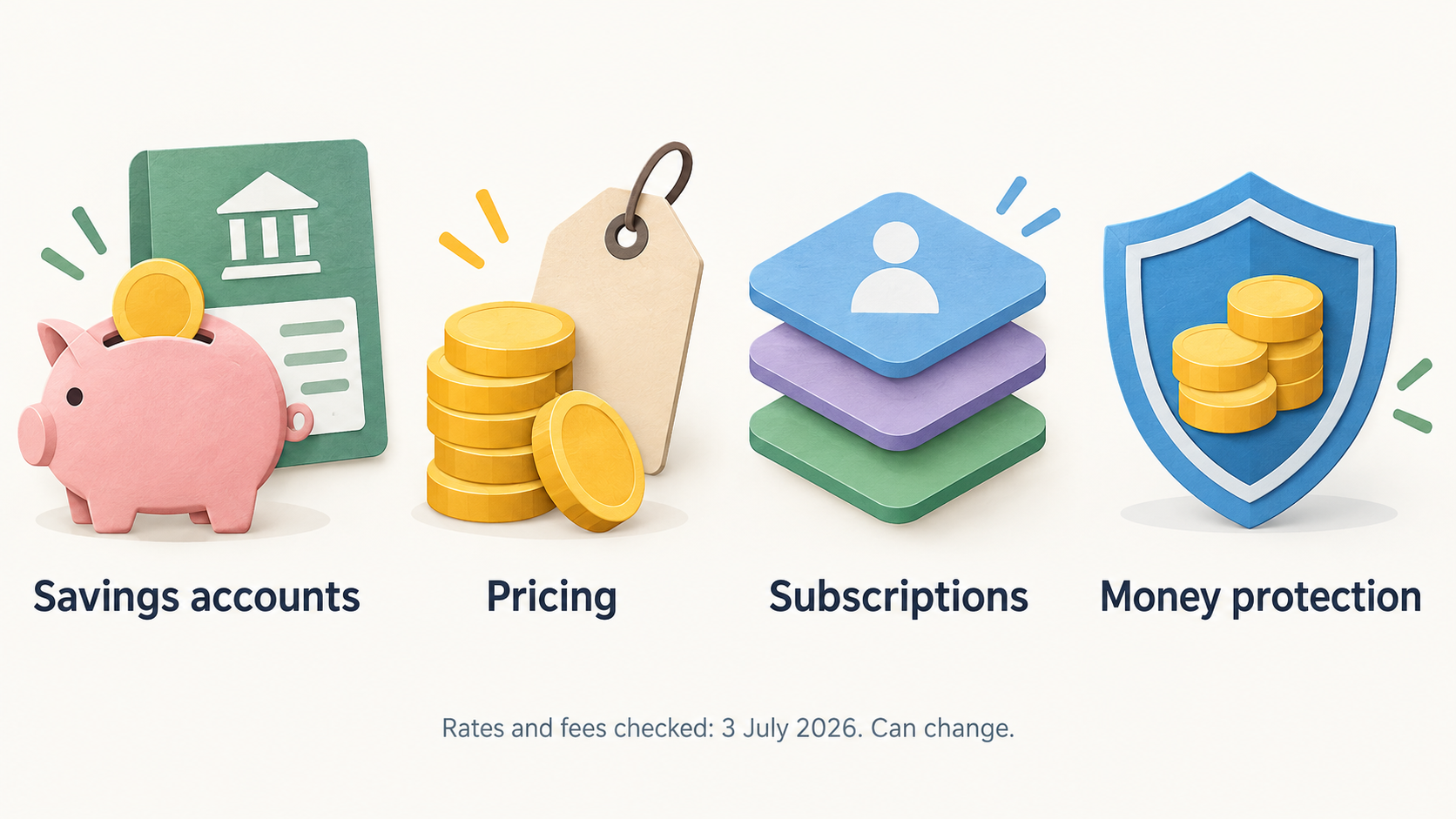
Provider pages checked: Chip savings accounts, Chip pricing, Chip money protection, Plum Easy Access, Plum subscriptions and Plum money protections. Rates and fees were checked on 3 July 2026 and can change.
1. Product focus: savings account first, or automation first?
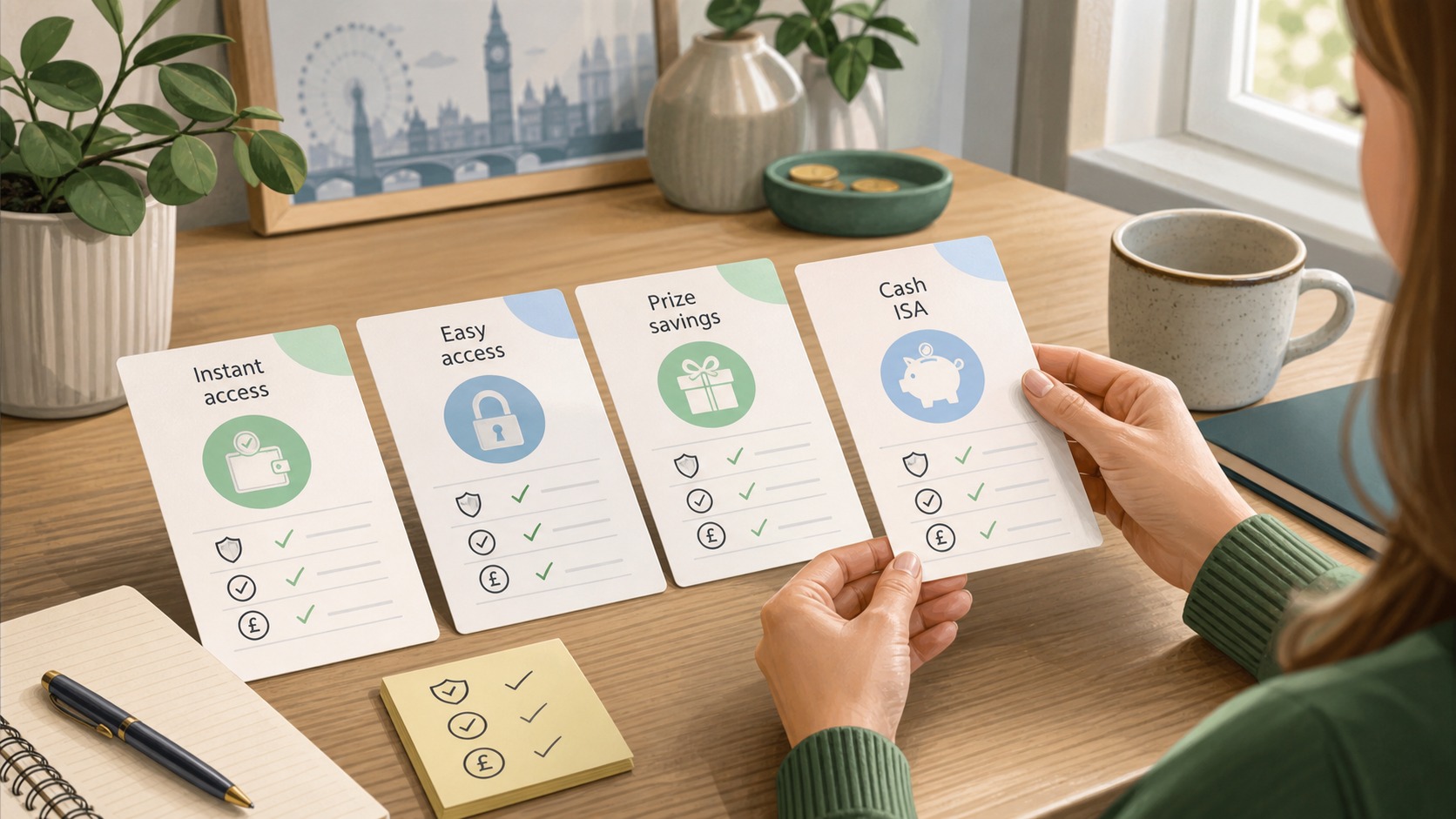
Chip’s public savings page presents the app around savings accounts: Easy Access, Instant Access, Cash ISA, Prize Savings and related savings tools. It also points readers toward investing products, but the savings journey is relatively account-led. If your decision starts with “where can I put cash and what account type is it?”, Chip’s structure is easier to scan.
Plum starts from a broader money-management proposition. Its homepage and Easy Access page frame the product around automations, pockets, subscriptions and different money destinations. That can be useful if you want the app to move money for you, but it also means you need to pay closer attention to what each pocket actually is. A savings account, an e-money pocket, a money market fund and an investment product do not carry the same risks or protections.
Practical check: if you already know the account type you want, Chip may feel simpler. If you want nudges, rules and automated saving behaviour, Plum may fit the habit-building job better.
2. Account access: easy access is not the same across every product
AI-generated illustration — not a retailer product photo.
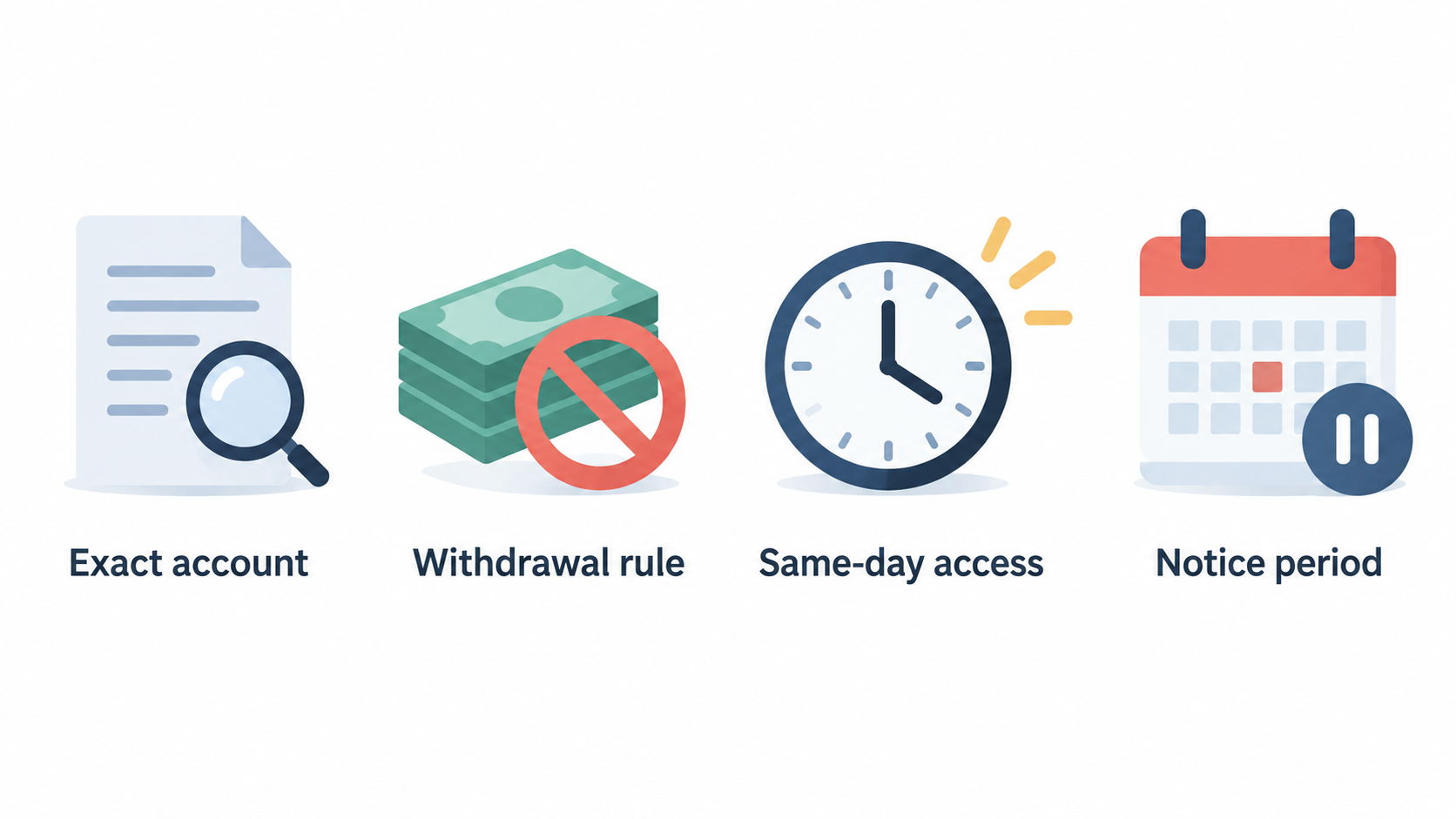
Chip’s current savings page includes products described around instant access, easy access, cash ISA and prize savings. It also states that some accounts have no withdrawal limits, while other savings products can have specific access rules. The important point is not the label alone; it is the withdrawal rule on the exact account you open.
Plum’s Easy Access page says its Easy Access Savings Account has no lock-in or notice period and same-day access, and it lists tiered rates by subscription. Plum also offers other products, including a 95-day Notice Pocket and Plum Interest, which are different from an instant cash account. If you use Plum for multiple pockets, do not assume every balance has the same access timing.
This matters for emergency funds. A holiday savings pocket and a tax reserve can tolerate different access rules. Your emergency fund should usually be in a place where withdrawal timing and account type are boringly clear.
3. Fees and subscription tiers: simple plan split versus tiered upgrades
Chip’s pricing page lists a Basic plan with no monthly cost and ChipX as a paid membership. Chip also discloses autosave charges and investment platform-fee differences by plan. That makes the fee question fairly direct: check whether the paid tier gives you enough value, and check whether any automated saving or investing feature you use has a separate charge.
Plum’s subscription structure is more layered. The current subscription page lists Basic, Plus, Boost and Max, with paid tiers adding features and different savings/investment economics. On the Easy Access page, Plum shows different Easy Access AERs by subscription tier. That means the rate you see may depend on what you pay monthly.
The comparison is not just “which app is cheaper?” It is “what do I need the app to do every month?” A free tier can be enough for a saver who only wants a simple place to hold cash. A paid tier can make sense if the automation, extra pockets, higher tier rates or investment features genuinely change behaviour. If they do not, subscription fees quietly reduce the benefit of a better headline rate.
4. Interest rates: compare the account, not the brand
As checked on 3 July 2026, Chip’s savings page displayed variable AER examples across several accounts, including promotional and standard rates. Plum’s Easy Access page displayed a variable AER range by subscription tier. These numbers are useful, but they are not permanent.
A cleaner comparison is to write down four things before opening either app:
- the exact account name;
- whether the rate is promotional, variable, tiered or conditional;
- whether a subscription fee is needed to access the rate;
- whether withdrawals change the rate, interest timing or account status.
For many savers, a slightly lower rate with simpler access rules can be more useful than a higher-looking rate with conditions. For others, a paid tier can be rational if the balance is large enough and the extra rate or features offset the fee. Do that calculation with your own balance and the provider’s current rate page, not a stale comparison table.
5. FSCS and safeguarding: this is the section not to skim
Chip states that eligible savings deposits in its savings accounts are FSCS protected, subject to eligibility, and its pricing/footer material identifies Chip Financial Ltd and Chip Financial (Investments) Ltd regulatory context. That does not mean every Chip-related product has the same risk profile. Savings deposits, cash ISAs and investments need to be checked separately.
Plum’s money-protection page is especially important because it separates different product types. It states that some cash savings products have FSCS protection through partner banks, while e-money balances are safeguarded but not FSCS protected. It also explains that investment products follow a different protection model and are not protected against market losses.
This is where Plum needs more careful reading. A “pocket” can sound simple, but the legal treatment depends on what sits behind it. If you are comparing Chip vs Plum for cash savings, read the protection page and account terms before transferring a large balance. FSCS eligibility also depends on the bank and your total deposits with that bank or banking group.
6. Automations and saving behaviour: habit tools can help, but only if controlled
Chip offers autosaves and recurring deposits, with plan and fee details disclosed on its pricing page. It can work well if you want a savings app that nudges regular contributions without turning the app into your entire budgeting system. The risk is overusing paid or automated features without checking whether they materially improve your saving rate.
Plum leans harder into automation. Its homepage describes multiple automations and the ability to save into pockets. User-review summaries on Trustpilot frequently mention Plum’s automatic saving and pockets as a reason people find it useful. The tradeoff is that automation can create friction if a bank link fails, a withdrawal is delayed, or the app moves more than a user expected.
If your income is variable, try automation with small amounts first. A savings rule that works for a salaried user can be too aggressive for someone with irregular cash flow.
7. Support, complaints and real-world friction
Official pages tell you how products are supposed to work. User-review pages show where friction often appears. Trustpilot is not a fact-checking source and reviews are not representative of every customer, but recent review patterns can still tell you what to watch.
Chip’s Trustpilot page showed a strong rating and many support-related positive comments when checked, alongside complaints about transfers, rate changes and access friction. Plum’s Trustpilot page showed a large review base and many comments about easy saving and pockets, alongside complaints about customer service, account closure and bank-linking issues.
The lesson is not that one support team is always better. The practical lesson is to check support channels before moving a meaningful balance. Look for in-app chat, email handling, complaint procedures, response expectations and whether the provider has clear terms for transfers or closures.
8. Which should UK savers choose?
Choose Chip when you want a savings-led app, a clearer Basic-versus-ChipX plan split, and account pages that are relatively easy to compare. It is a stronger fit if your main decision is “which savings account or ISA structure should I use?” rather than “which app will automate my money habits?”
Choose Plum when you want automation, goal pockets and a broader money app around your saving behaviour. It is a stronger fit if you want the app to help move money into buckets and you are comfortable checking subscription tiers, product types and protection differences.
For wider context, compare this with our Raisin vs Flagstone savings platform guide if you are choosing between savings marketplaces rather than habit apps. If your decision includes current account features, read Monzo vs Starling current account. If you are moving toward investing, our ISA platform fees guide and Trading 212 vs Freetrade ISA cover a different risk and fee profile.
Editorial recommendation
Start with the job you need done. If the job is “hold cash in a clear account and check FSCS coverage,” compare Chip’s account pages against Plum’s exact savings product page. If the job is “help me save automatically because I do not want to think about it,” Plum deserves a closer look, but only after you understand the subscription and protection model.
Do not choose either app from a headline AER alone. Check the current rate, the account type, the subscription fee, the withdrawal rule, the provider bank and the protection wording on the day you open the account.
CTA: Check Chip’s current savings accounts on the official Chip savings page.
CTA: Check Plum’s current Easy Access and subscription details on the official Plum Easy Access page.
FAQ
Is Chip or Plum better for an emergency fund?
Either can be considered only if the exact account gives fast access, clear FSCS eligibility and no confusing withdrawal conditions. Do not use a notice pocket, investment product or money market fund as a direct substitute for an emergency cash account unless you understand the timing and risk differences.
Does Plum have FSCS protection?
Some Plum cash savings products are described as FSCS protected through partner banks. Plum also says e-money balances are safeguarded but not FSCS protected, and investment products have different protections. Check Plum’s money-protection page and the specific product terms before transferring a large balance.
Does Chip have fees?
Chip’s Basic plan has no monthly cost, while ChipX is a paid membership. Chip also discloses fees or plan differences for autosaves and investments. If you only use simple savings accounts, check whether any feature you activate adds a charge.
Which app has higher interest?
It depends on the exact account, subscription tier, promotional period and date checked. Chip and Plum both display variable rates on their provider pages. Compare the live account page on the same day, then subtract any subscription fee that applies to the rate you want.
Can I use both Chip and Plum?
Yes, some savers may use one app for a specific account and the other for automation or pockets. The main caution is FSCS overlap and admin complexity. Track which partner bank holds each balance and avoid assuming all app balances have the same protection.
Sources checked
- Chip savings accounts
- Chip pricing and fees
- Chip money protection
- Plum Easy Access Savings Account
- Plum subscription tiers
- Plum money protections
- Chip Trustpilot review page
- Plum Trustpilot review page
Source note: this article is based on provider pages, regulatory/protection disclosures and third-party review signals available on 3 July 2026. It is not personal financial advice, and it does not claim first-hand account use.
Editorial information: Read our affiliate disclosure.